 Streetscape Pro Help

Right click on the Display Window and select 'Copy'. The visible image will be copied into the clipboard at screen resolution. This can be used for quick copying, for example into Powerpoint presentations or documents where lower image resolution is acceptable.
Alternatively, you can click the 'Copy Image' button on the ribbon toolbar.
Select 'Export Image" on the ribbon toolbar. The Export Image dialog will appear.
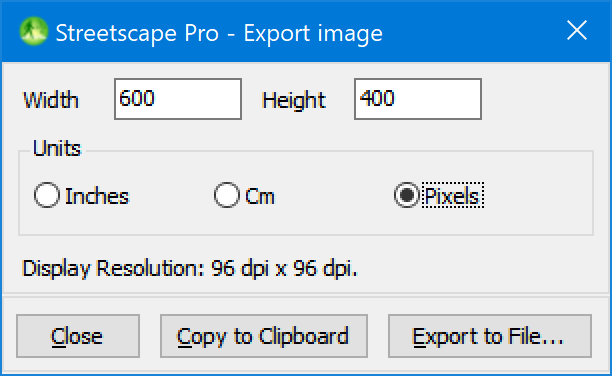
You can use this to specify the size of the image to be exported in inches, cm or pixels. This image can then be exported in two ways:
Nb. This will export the image exactly as it appears in the Display Window. For example, if you only want to export the cross section as an image, then you need to turn off the other parts of the display (by right-clicking on the display window and making selections).