 Streetscape Pro Help
The Display Window is where a visualisation is shown of your street design. There are five main parts:
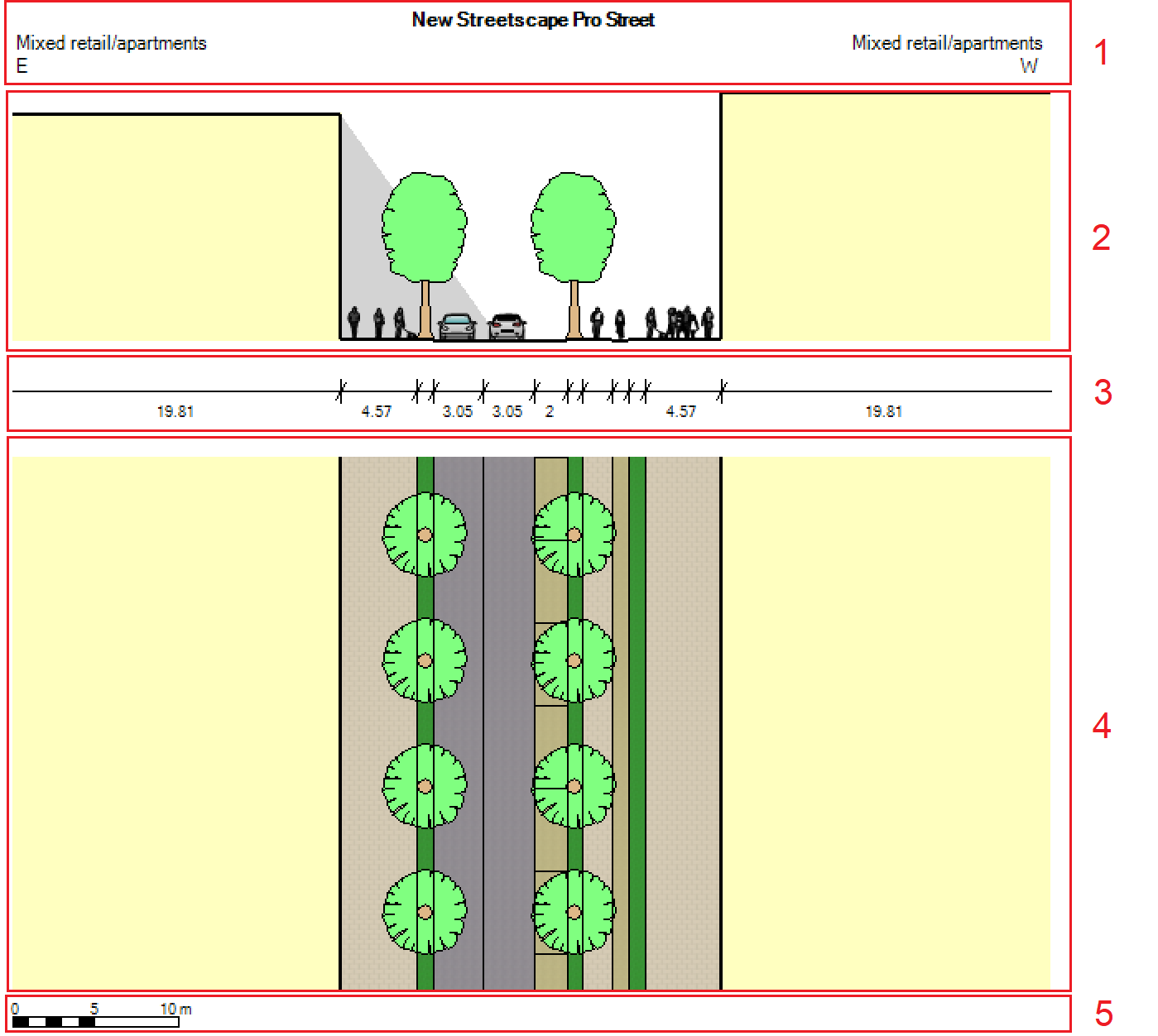
Select 'View' in the ribbon toolbar, then tick or untick each part to show or hide it. Alternatively, you can right-click the display window and do the same.
Please note if trees or tree shading is selected, trees will only appear if they have been enabled in the streetscape elements.
You can also view animated vehicles and cyclists by pressing the Play button in the ribbon toolbar.